Building an Open-Source Backup Solution with UrBackup
A project walkthrough of setting up and configuring UrBackup as a centralized, open-source backup server for multiple clients in a homelab environment.
Project Introduction
Today I successfully deployed my UrBackup server with minimal setup time. While Linux has a small issue with CON files (a Windows naming convention problem), everything else operates flawlessly. This project demonstrates implementing a reliable, enterprise-grade backup solution using completely open-source software.
Official Resources:UrBackup.org
Server Configuration Interface
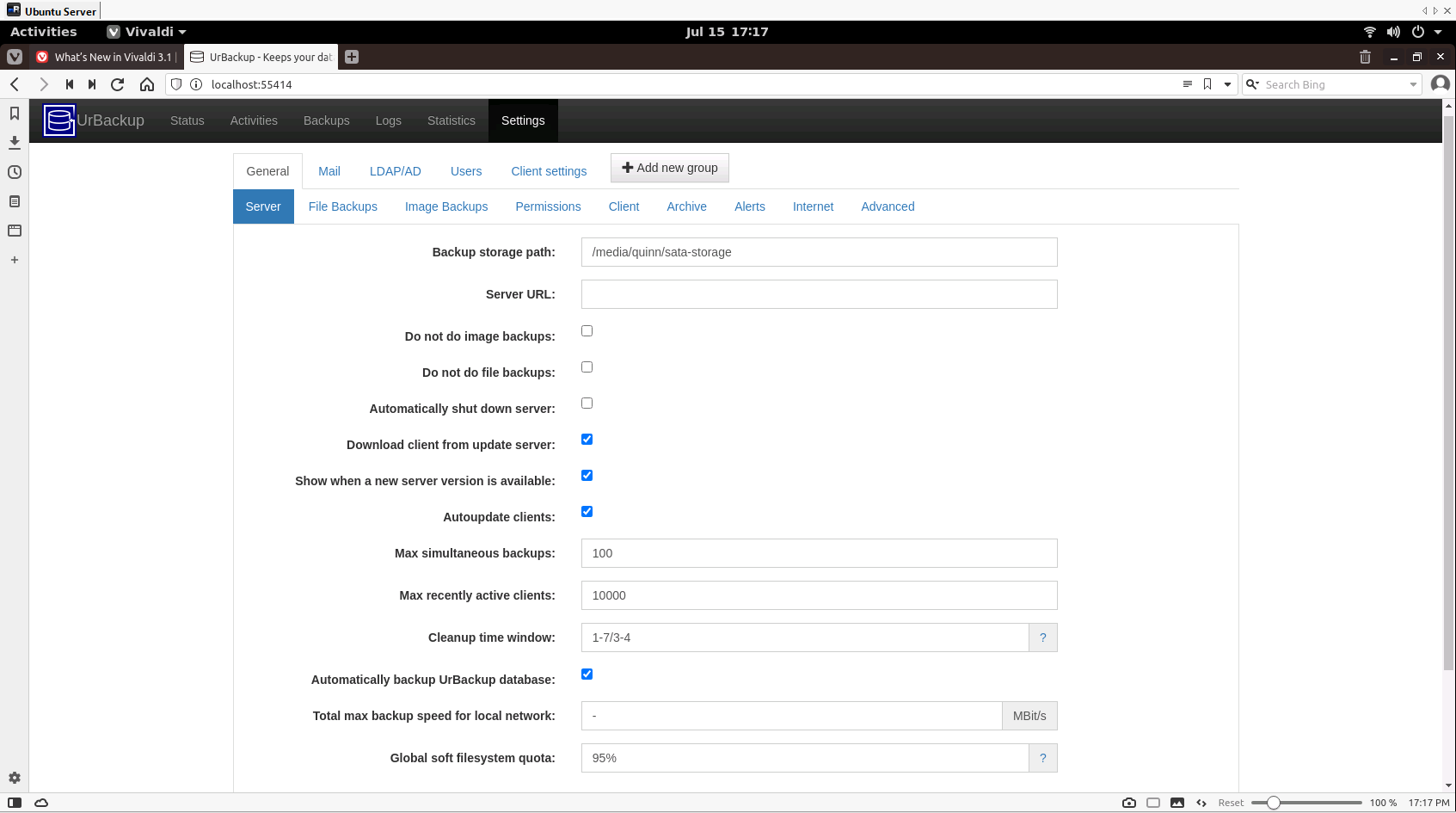
UrBackup server configuration interface with comprehensive backup settings
Active Backup Operations
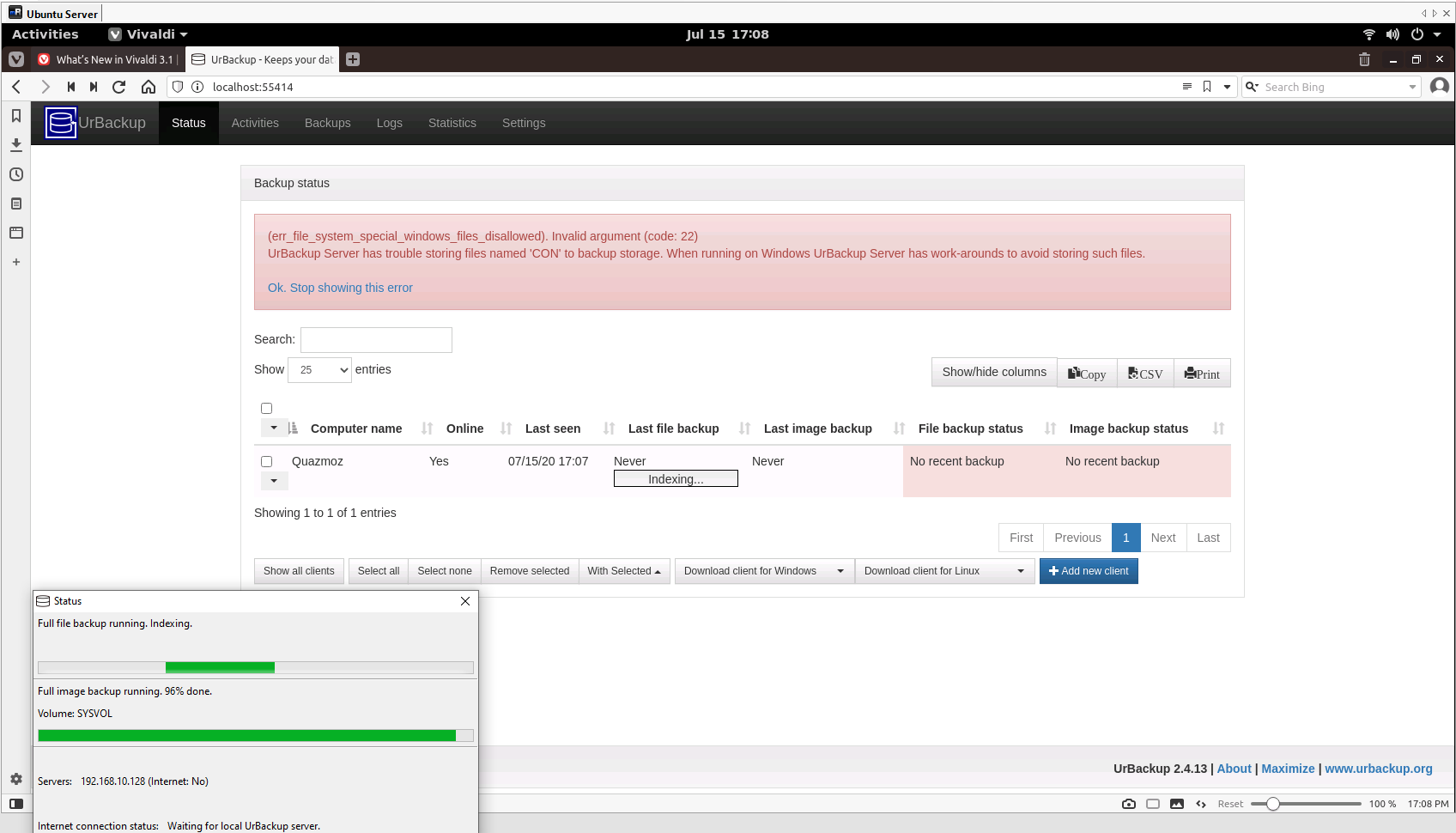
Live backup status showing client connections and progress monitoring
Key Features and Capabilities
Backup Types
- File-level backups
- Full drive imaging
- Incremental backups
- Differential backups
Enterprise Features
- Active Directory integration
- Internet-based backups
- Flexible scheduling
- Multi-client management
Implementation Experience
Reliability Assessment
In my experience, this server works exceptionally well and proves reliable despite being completely free. I have successfully implemented UrBackup in both enterprise and homelab environments with consistent results.
The backup server provides exactly the variety of settings you'd expect from a professional-grade solution:
- Granular backup policies and retention settings
- Network bandwidth throttling and scheduling
- Client grouping and management
- Comprehensive logging and monitoring
- Email notifications and alerting
Technical Architecture
Server Components:
- Central UrBackup server (Linux-based)
- Web-based administration interface
- Database for backup metadata and scheduling
- Storage backend for backup data
Client Support:
- Windows clients (multiple versions)
- Linux clients (various distributions)
- Cross-platform file and image backup support
Future Enhancements
Next Steps
My next project will be testing how this solution performs using OpenVPN for backups directly over the internet. This will evaluate the system's capability for remote site backup scenarios and off-site disaster recovery implementations.
Use Case Scenarios
Homelab Environment
Central backup for all personal devices and virtual machines
Small Business
Cost-effective alternative to commercial backup solutions
Enterprise Backup
Scalable solution with AD integration and centralized management